
Best AI Coding Tools in 2026
A comprehensive review of the best AI-powered coding tools in 2026. From code completion to full AI agents, here's what actually works in production.
The AI coding tools landscape has exploded. Every week there's a new tool claiming to 10x your productivity. But which ones actually deliver in real production workflows?
After months of hands-on testing across real apps, shipping features, and debugging production issues, here's the definitive Panda Coding School guide to the best AI coding tools in 2026.
What We Evaluated
We tested each tool across five dimensions:
- Code quality: Does it generate correct, idiomatic, production-ready code?
- Context awareness: Does it understand your entire codebase or just the current file?
- Speed: Is it fast enough to stay out of your way?
- Language and framework support: How well does it handle TypeScript, Python, Go, React, FastAPI?
- Price vs value: Is it actually worth the monthly cost for a professional?
Let's get into it.
1. Cursor: The AI-First Code Editor
The gold standard for AI-assisted development.
Cursor is still the top choice for developers who want AI deeply embedded into their workflow. It's built on VS Code so the learning curve is minimal, but the AI capabilities go well beyond anything you'd get from a basic plugin.
Key Features
- AI Autocomplete: Context-aware tab completion that understands your whole codebase, not just the open file
- AI Chat: Ask questions about your code, get explanations, and debug inline
- Code Generation: Generate entire functions, components, and modules from plain English
- Debugging Assistance: Paste an error and get a fix right there
Why Developers Love It
Cursor indexes your entire project so the AI actually knows what's in your codebase. When you're refactoring or adding a new feature, it doesn't guess, it knows what already exists and works with it.
The Composer feature is what makes it special. You can edit multiple files at once with a single prompt. Just describe what you want and Cursor handles the implementation across your whole project structure.
Pricing
| Plan | Price | What You Get |
|---|---|---|
| Hobby | Free | 2,000 completions/month, limited fast requests |
| Pro | $20/month | Unlimited completions, 500 fast requests |
| Business | $40/user/month | SSO, privacy mode, centralized billing |
Best For
Full-stack developers, startup engineers, anyone building production applications who wants the most capable AI editor available.
2. Windsurf: AI-Native Developer Workflow
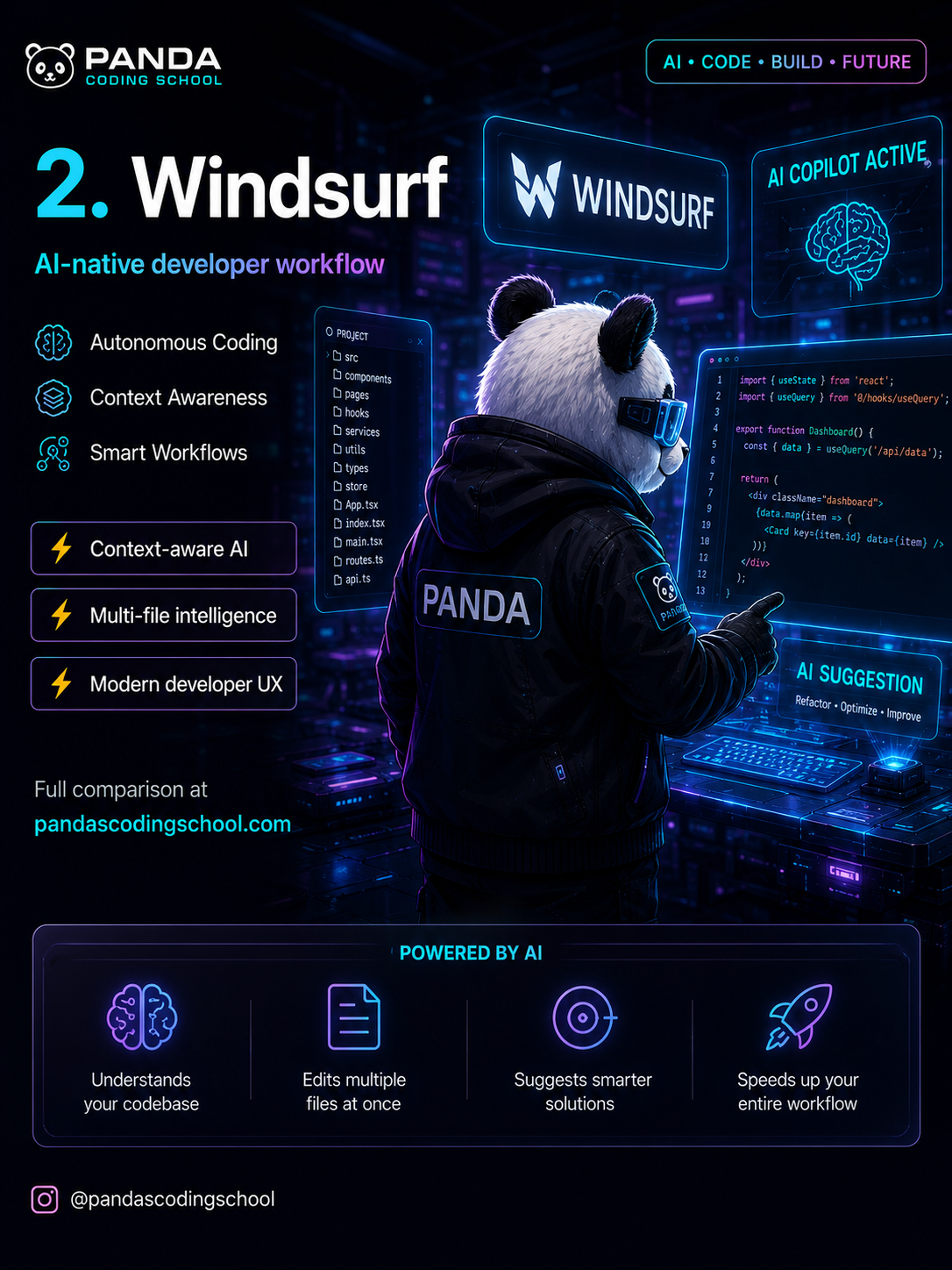
The autonomous AI coding agent that thinks before it codes.
Windsurf by Codeium has become the most serious Cursor competitor. What sets it apart is Cascade, an AI agent that doesn't just suggest code but actually plans and executes multi-step tasks on its own.
Key Features
- Autonomous Coding: Cascade understands your intent and handles implementation end-to-end
- Context Awareness: Understands your full project structure, dependencies, and patterns
- Smart Workflows: Refactor across files, add features, fix bugs with a single instruction
- Context-aware AI: Suggestions adapt to your coding style and project conventions
- Multi-file intelligence: Edits the right files without you needing to specify which ones
- Modern developer UX: Clean, fast interface that stays out of your way
How Cascade Works
When you give Windsurf a task, Cascade doesn't just start writing. It first reads your project structure (it understands /src, /components, /pages, /hooks, /services), then plans the changes, then executes them step by step with explanations along the way.
This transparent approach means you can catch misunderstandings early rather than undoing a pile of changes after the fact.
Pricing
| Plan | Price | What You Get |
|---|---|---|
| Free | $0 | 5 Cascade flows/day, basic completions |
| Pro | $15/month | Unlimited flows, premium models |
| Teams | $35/user/month | Shared context, admin controls |
Best For
Developers who prefer AI that works more autonomously, startup founders who want to ship fast, and anyone who likes understanding why the AI made each decision.
3. GitHub Copilot: The Mainstream AI Coding Assistant
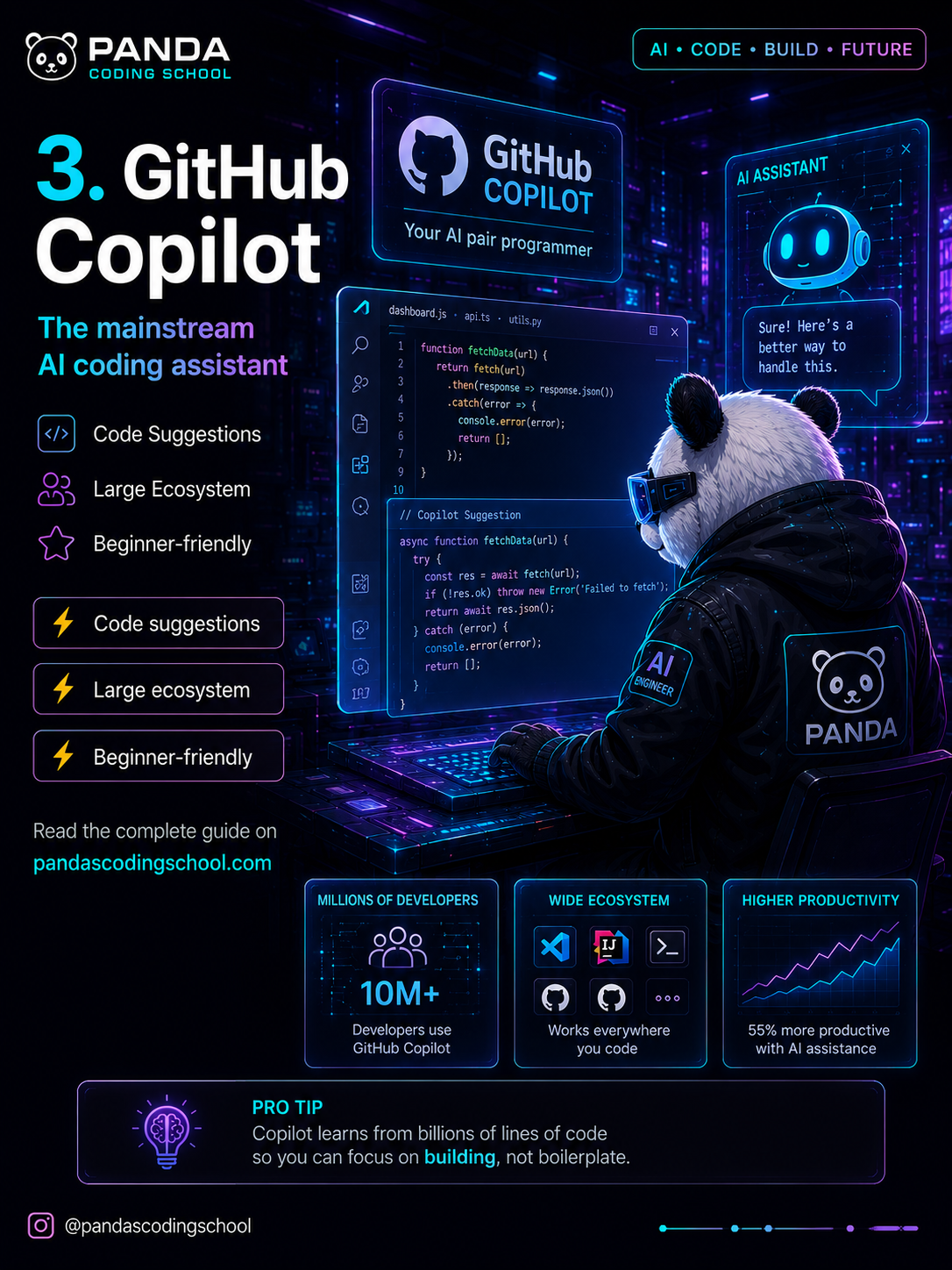
The most widely adopted AI coding tool. Used by 10M+ developers.
GitHub Copilot is the safe, battle-tested choice. It's been around since 2021 and has improved a lot. If your team is already in the GitHub ecosystem, it's the path of least resistance.
Key Features
- Code Suggestions: Inline completions as you type, in any language
- Large Ecosystem: Works in VS Code, JetBrains, Neovim, Visual Studio, and more
- Beginner-friendly: Lower learning curve than full AI editors, great for teams just getting started
- Copilot Chat: Ask questions, get explanations, generate tests right in your editor
Why It Stands Out
- 10M+ developers use GitHub Copilot, making it the largest AI coding community out there
- Works everywhere you code, from VS Code to JetBrains IDEs to the terminal
- 55% more productive according to GitHub's own research on task completion rates
Pro Tip: Copilot learns from billions of lines of code so you can focus on building, not boilerplate.
Pricing
| Plan | Price | What You Get |
|---|---|---|
| Individual | $10/month | Full access, all editors |
| Business | $19/user/month | Policy management, audit logs |
| Enterprise | $39/user/month | Custom models, fine-tuning |
Best For
Teams in the GitHub ecosystem, developers new to AI tools, enterprise environments that need audit logs and compliance controls.
4. Replit AI: Build Apps Directly in the Browser
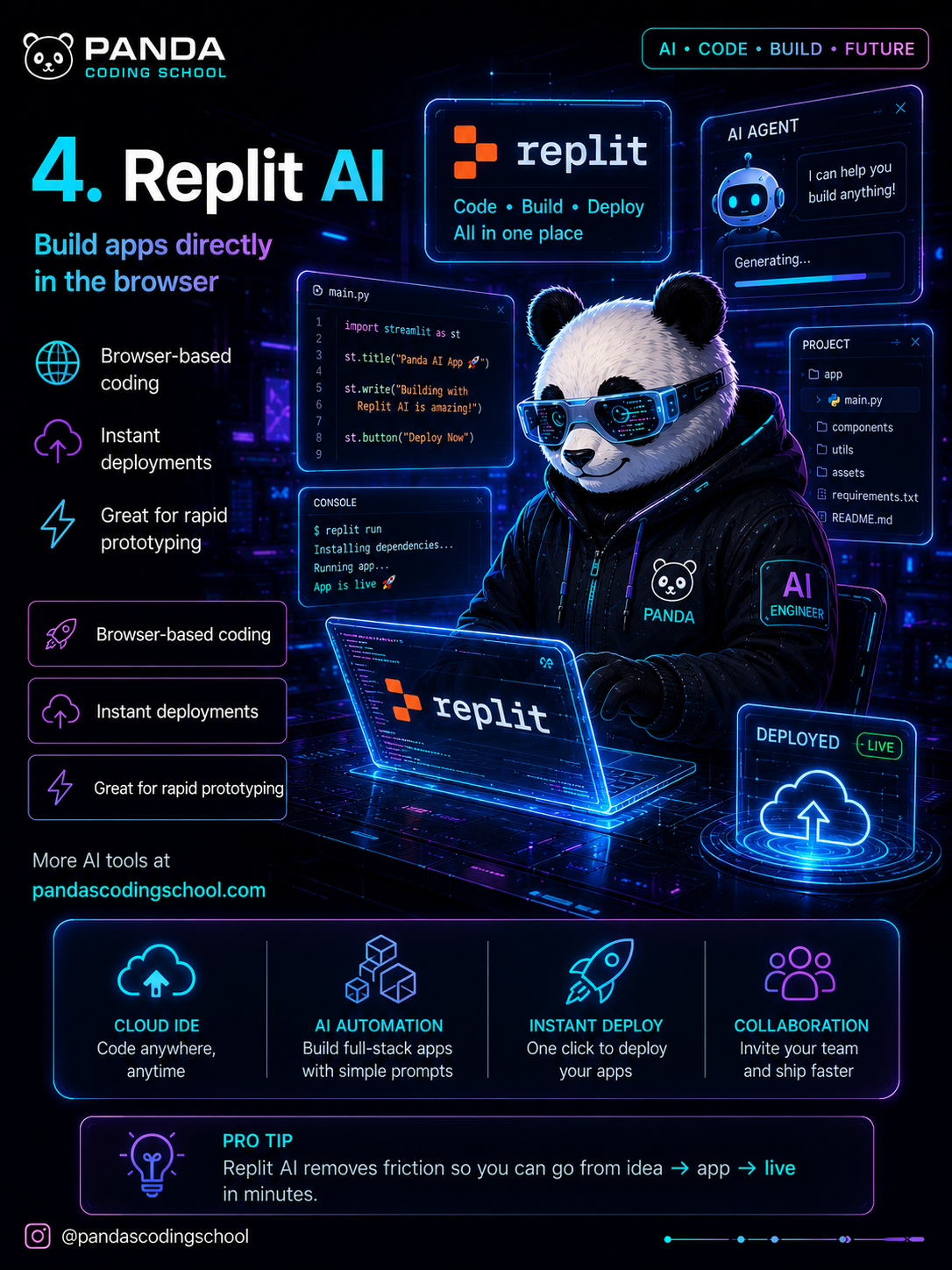
The fastest path from idea to live app.
Replit AI isn't just a code editor. It's a complete cloud development environment with an AI agent built right in. You code, build, and deploy without ever leaving the browser.
Key Features
- Browser-based Coding: No local setup needed, code from any device anywhere
- Instant Deployments: One click to go live, no DevOps required
- Great for Rapid Prototyping: Go from idea to working app in minutes
- AI Automation: Build full-stack apps from simple prompts
- Collaboration: Invite your team and ship faster together
How Replit AI Works
Replit's AI agent handles the full workflow:
- Understands what you want to build from a plain-language description
- Generates the full app structure and code
- Installs dependencies automatically
- Runs the app and fixes errors
- Deploys to production with one click
The whole flow is: idea, code, live. That's it.
Pro Tip: Replit AI removes all the friction so you can go from idea to app to live in minutes.
Pricing
| Plan | Price | What You Get |
|---|---|---|
| Starter | Free | Basic features, limited compute |
| Core | $25/month | More compute, private repls |
| Teams | $40/user/month | Shared workspace, collaboration |
Best For
Beginners learning to code, startup founders prototyping quickly, developers who want zero DevOps overhead, hackathon participants.
5. Claude + ChatGPT: The Ultimate AI Engineering Combo
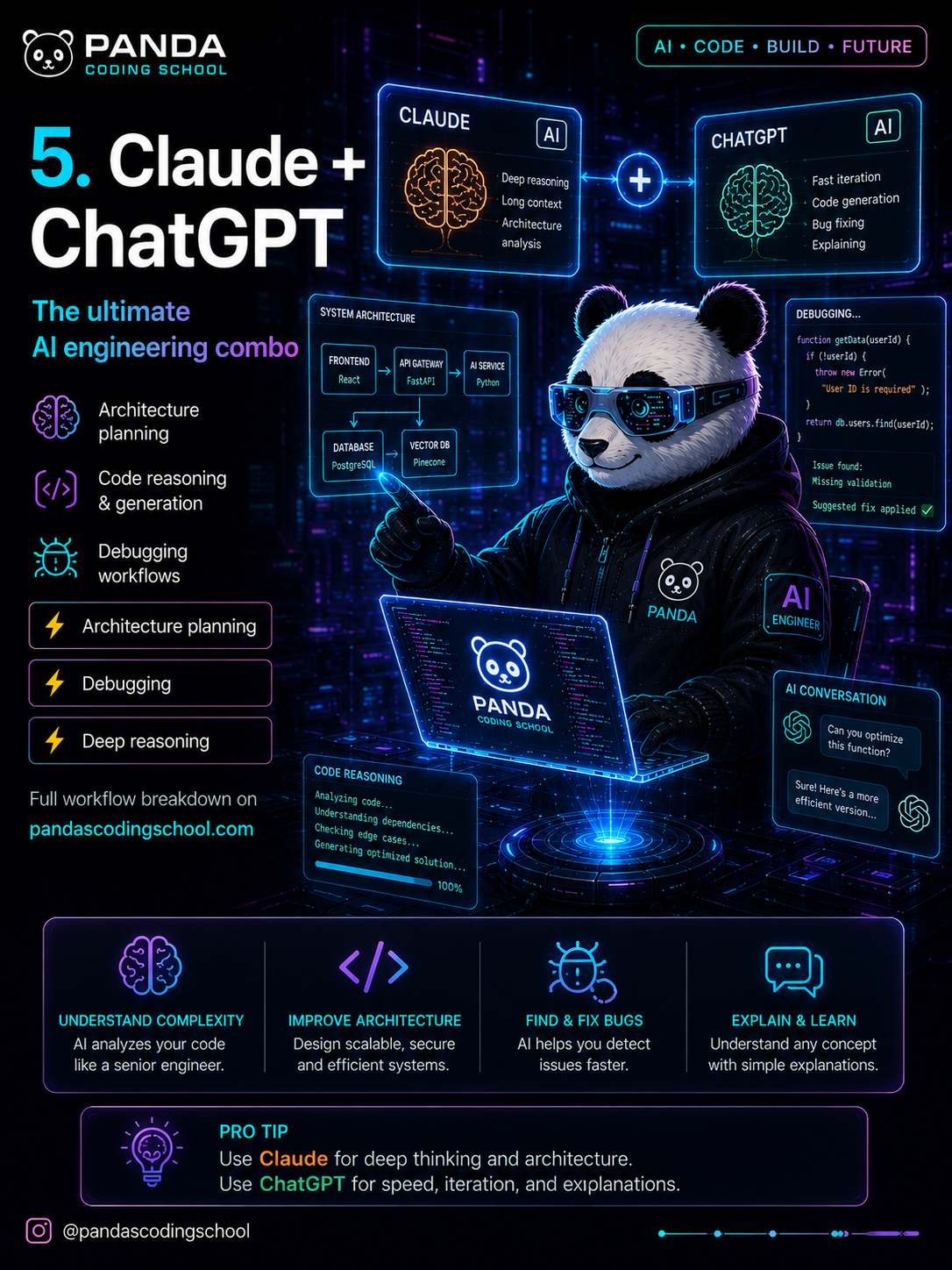
Two AI assistants. Different strengths. Incredible together.
Neither Claude nor ChatGPT is a code editor, but used alongside your editor they form the ultimate combo for complex engineering problems.
Claude: Deep Reasoning and Architecture
Claude by Anthropic is great for:
- Architecture Planning: Design scalable, secure, efficient systems
- Long Context: Paste your entire codebase and ask complex questions about it
- Deep Reasoning: Analyzes dependencies, edge cases, and failure modes
- Code Review: Catches subtle bugs that simpler tools miss
ChatGPT: Speed, Iteration, and Explanation
ChatGPT by OpenAI is great for:
- Fast Iteration: Quick answers and fast code generation
- Bug Fixing: Paste an error, get a fix right away
- Explanations: Understand any concept with clear, simple language
- Code Generation: Generate boilerplate, utilities, and standard patterns
How to Use Them Together
The real power is in knowing when to use which:
- Reach for Claude when you're designing systems, reviewing architecture, or working through a large codebase
- Reach for ChatGPT when you need a quick answer, simple code, or a plain-English explanation
Pro Tip: Use Claude for deep thinking and architecture. Use ChatGPT for speed, iteration, and explanations.
Pricing
| Tool | Free Tier | Pro |
|---|---|---|
| Claude | Yes (limited) | $20/month (Claude Pro) |
| ChatGPT | Yes (GPT-4o) | $20/month (ChatGPT Plus) |
Best For
Senior engineers working on complex architecture, developers debugging production issues, anyone who wants a sharp second opinion on their code.
👉 Try Claude → | 👉 Try ChatGPT →
Best Tool By Category
Here's the quick reference guide:
| Goal | Best Tool |
|---|---|
| 🌱 Best for beginners | GitHub Copilot |
| ⚡ Best for AI-native workflows | Cursor |
| 🚀 Best for rapid prototyping | Replit AI |
| 🧠 Best reasoning assistant | Claude |
| 🤖 Best autonomous workflows | Windsurf |
Panda's Recommendation 🐼
Here's how to match the right tool to your situation:
- Beginners: Start with GitHub Copilot. Low friction and works in your existing editor.
- Fast builders: Go with Cursor. It's the best all-around AI editor for shipping production code.
- Deep thinkers: Use Claude. Nothing beats it for reasoning through complex engineering problems.
- Startup hackers: Try Replit AI. Zero setup, instant deployment, perfect for MVPs.
- AI-native engineers: Pick Windsurf. Let the agent handle multi-step tasks on its own.
The Future of Coding is AI-Augmented
Developers won't be replaced. Developers using AI will replace developers who don't.
The tools above are the current state of the art. The direction is clear though: AI is becoming a real collaborator, not just an autocomplete tool. The developers who learn to work with these systems, guide them, correct them, and use them strategically, will be dramatically more productive than those who don't.
Start with one tool. Build it into your daily workflow. The gains compound over time.
Follow @pandascodingschool for weekly AI tool reviews and engineering content.

Written by
Panda Coding School
AI Engineer & Builder
I build production AI systems and write about what actually works, what broke, and the lessons in between. Follow along for practical AI engineering, no hype.
Enjoyed this article?
Get more AI engineering insights delivered to your inbox.